macOS Tahoe removed Launchpad, so many Mac users now need a replacement for the old visual app grid. This guide compares open-source Launchpad-style options, explains which one fits each use case, and gives you a benchmark structure for checking CPU, memory, and animation performance before you commit.
Quick answer
Best recommendation: choose KidoX. It gives you the closest balance of Launchpad-style visual browsing, low idle overhead, fast search, and a polished daily workflow.
If you do not use KidoX, LaunchNow is the only backup worth considering, and even then it has clear tradeoffs: heavier CPU spikes while dragging app icons and an unsigned-install warning. LaunchNext, Launchy Launchpad, and QuickLaunch are not recommended as daily Launchpad replacements based on the current test pass.
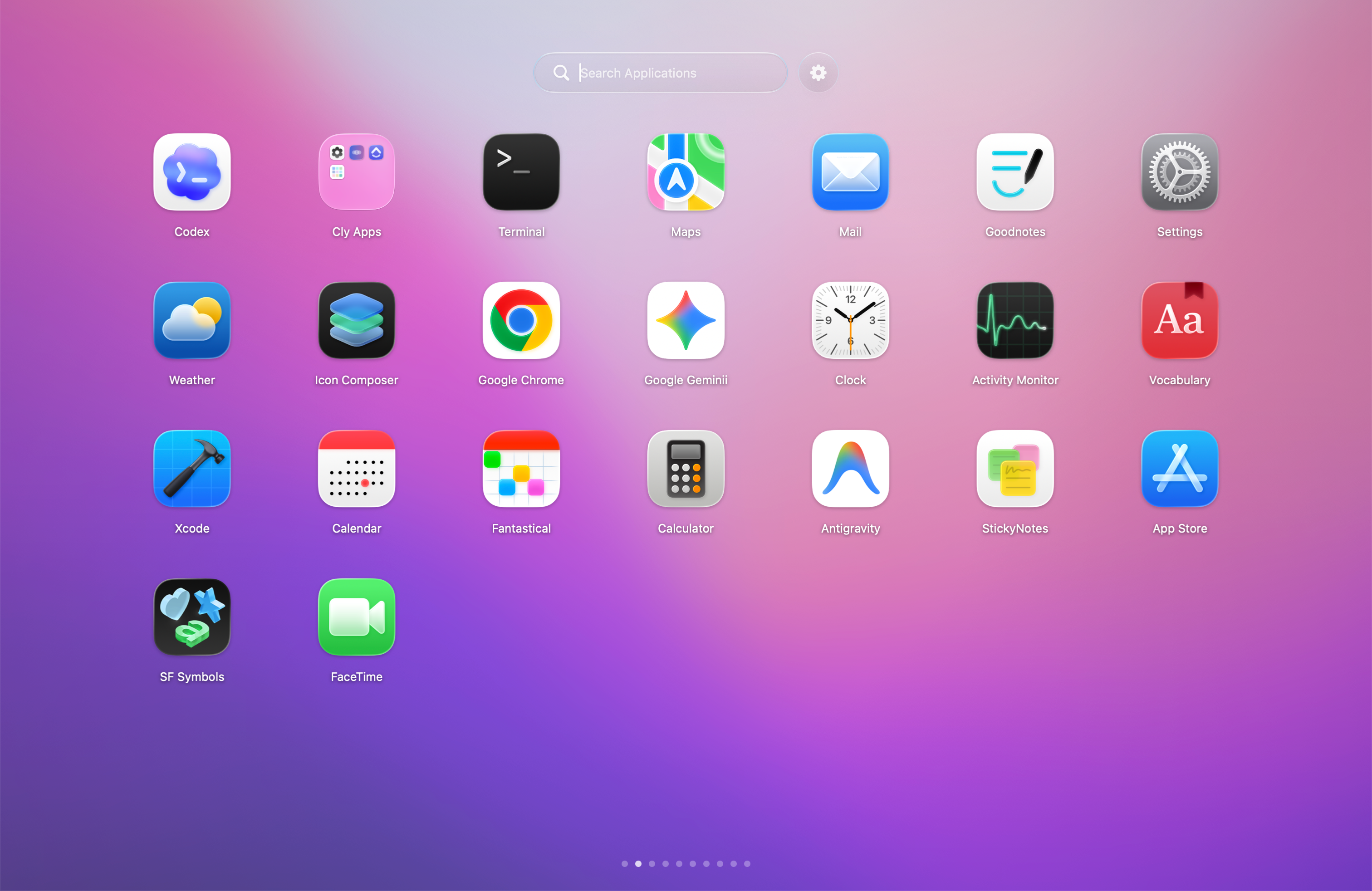
KidoX restores the visual Launchpad-style grid on modern macOS, with pages, folders, search, and native-feeling animation. Source: KidoX.
Best overall
KidoX
Best first choice for most users: 0% idle CPU, 60-70 MB idle memory, fast search, and a Launchpad-style grid that feels ready for daily use.
Second choice
LaunchNow
Good GPL-3.0 option with low idle usage. It is less efficient during dragging and is not notarized, so macOS may require System Settings approval before opening.
Not recommended
LaunchNext
Feature coverage looks strong, but the actual interaction quality is poor: scrolling, dragging, and folder creation feel too rough for daily use.
Also not recommended
Skip for now
Launchy Launchpad and QuickLaunch showed high memory use and 10s+ search latency in testing, so they are not strong first picks for most users.
What changed in macOS Tahoe
macOS 26 Tahoe removed the old Launchpad workflow many Mac users relied on: a full-screen visual app grid with pages, folders, icon positions, and search.
Spotlight is still excellent when you know the app name. Finder is still useful when you want a file-system view. But neither fully replaces the old habit of opening a visual grid, recognizing an icon, and launching the app without thinking about where it lives.
That is the real search intent behind this topic. People are not only looking for a launcher. They are looking for a way to get a familiar visual workflow back without using fragile system hacks.
1If you mostly type app names, try Spotlight first.
2If you only need to browse all apps occasionally, put the Applications folder in the Dock.
The best comparison starts with the interface, because Launchpad was a visual habit. A text-first launcher can be fast, but it does not solve the same problem for users who remember icons and positions better than app names.
The screenshots below use official project or support sources where available. They are included so you can quickly decide which apps are close to the old Launchpad mental model before reading every README.
KidoXOpen-source Launchpad-style grid with pages, folders, search, hotkey access, hot corners, and native Mac behavior. Source: KidoX source code. Source: KidoX.
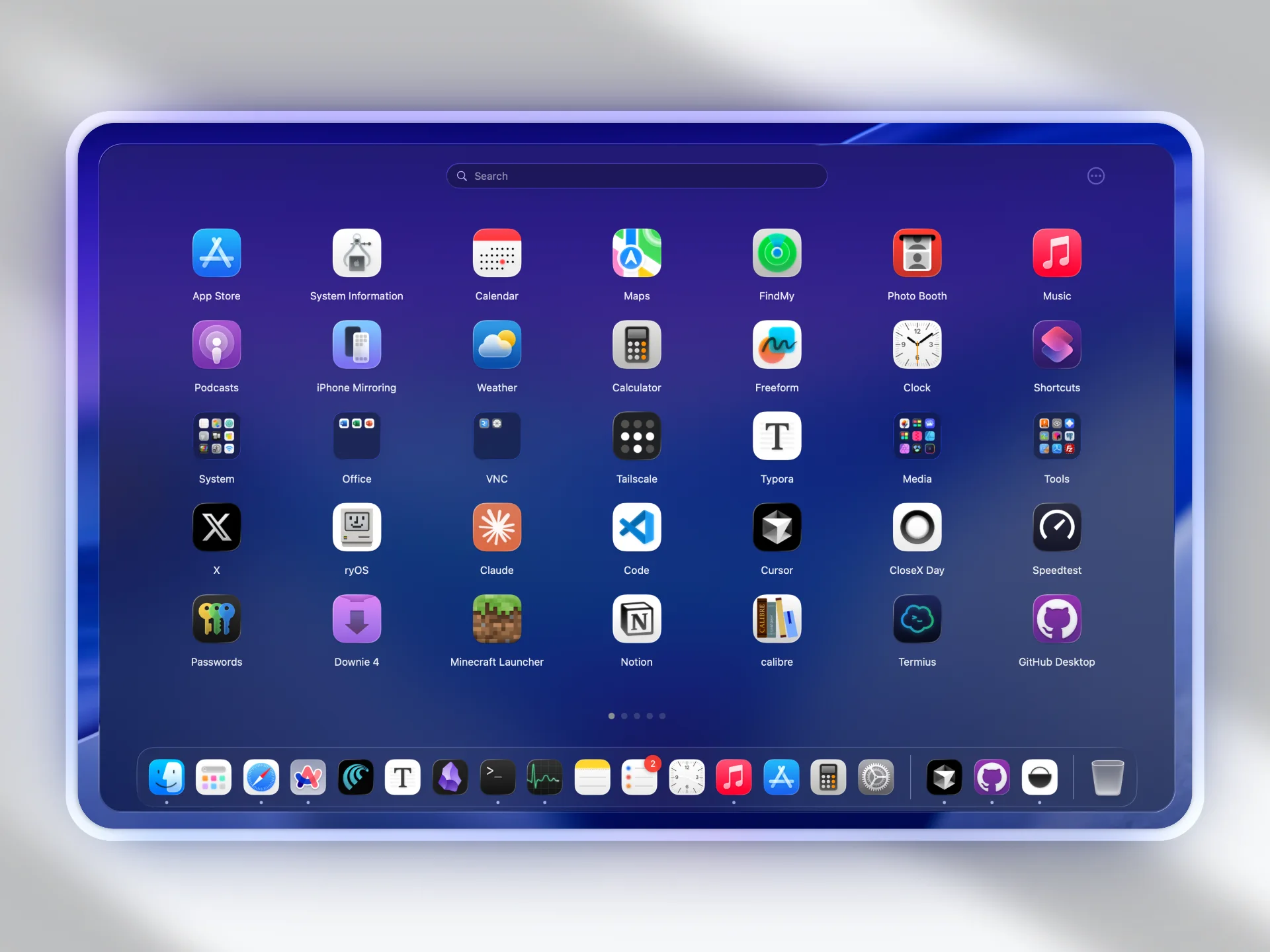
LaunchNextGPL-3.0 Swift project built on LaunchNow, with Launchpad import, fuzzy search, gestures, CLI/TUI support, Core Animation folders, icon caching, lazy loading, and background scanning. Source: LaunchNext GitHub.
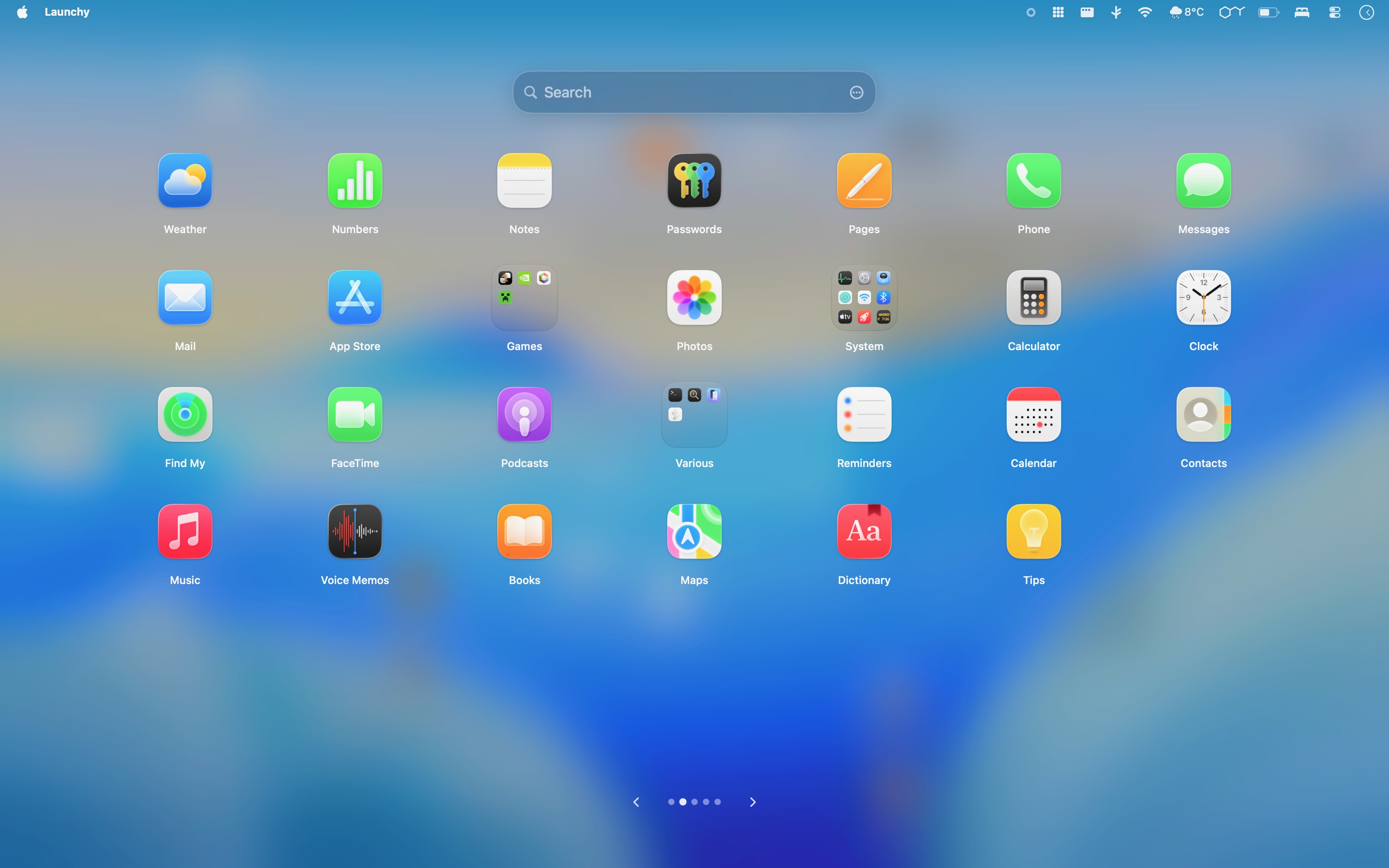
LaunchNowGPL-3.0 Swift project with Tahoe-style and classic-style Launchpad views, folders, search, hidden apps, import/export, and keyboard navigation. Source: LaunchNow GitHub.
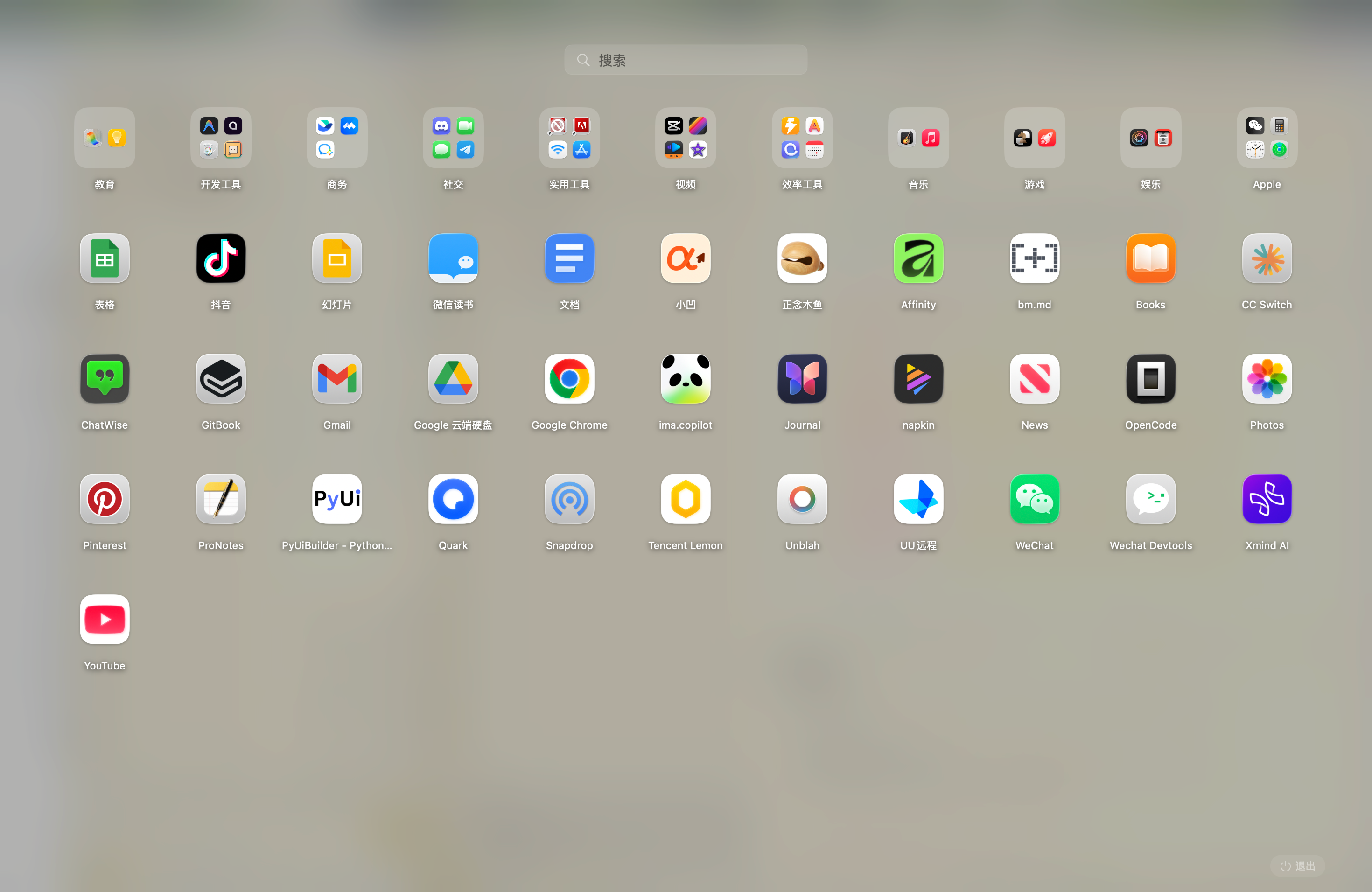
Launchy LaunchpadMIT-licensed Swift project with fullscreen mode, Floaty mode, icon caching, folders, hidden apps, hot corners, and localization. Source: macos-launchy GitHub.
QuickLaunchMIT-licensed native app with pinyin search, drag-and-drop folders, context menus, and signed/notarized release builds. Source: QuickLaunch GitHub.
Apple LaunchpadThe old behavior people are trying to replace: app icons, pages, folders, and search in a visual grid. Source: Apple Support.
License and installation trust
Open source is not only a feature checkbox. The license, release channel, signing status, and update path all affect whether a tool is a good fit for your Mac.
If you are choosing for yourself, the table below is enough. If you are choosing for a team or managed device, verify each project’s current license file, release signature, and update mechanism before rollout.
App
Public source
License
Install trust notes
Best trust fit
KidoX
Yes
Open source See public GitHub repository
Official builds are distributed by KidoX; source is available for review and contribution.
Users who want open source plus a polished daily app experience.
LaunchNext
Yes
GPL-3.0
Not notarized in this test pass. macOS Gatekeeper can block first launch, so users may need to open System Settings and explicitly allow the app.
Not recommended for most users because installation and interaction quality are both rough.
LaunchNow
Yes
GPL-3.0
Not notarized in this test pass. macOS Gatekeeper can block first launch, so users may need to open System Settings and explicitly allow the app.
Users who accept manual Gatekeeper approval for a GPL Launchpad-style app.
Launchy Launchpad
Yes
MIT
Public Swift project; verify current release packaging and permissions before daily use.
Users who prefer permissive licensing and fullscreen/Floaty modes.
QuickLaunch
Yes
MIT
README says release DMG is signed and notarized with Apple Developer ID.
Users who value signed distribution, pinyin search, and native simplicity.
License and installation notes are based on public project information checked on June 25, 2026. Always verify the current repository before installing.
Performance benchmark results
Performance is where the Launchpad alternatives separate quickly. For a launcher, the important numbers are idle cost, memory footprint, CPU spikes during interaction, and whether search responds immediately.
The results below come from the same comparison pass across the tested apps. Exact readings can vary by Mac model, app count, cache state, display scale, wallpaper, and which mode or engine is enabled, but the pattern is clear: KidoX has the lowest idle overhead and the cleanest search behavior in this group.
App
Idle CPU
Idle memory
Using CPU / memory
Search latency
Notes
KidoX
0% Best
60-70 MB Best
Up to 20% CPU / 140 MB while opening and closing Best overall
0 ms observed Best
Best overall result: quiet idle behavior, low memory use, and immediate search response.
LaunchNext
3.4%
85 MB
50% CPU / 150 MB while using
0 ms observed
Search responds quickly, but the overall interaction experience is weak and idle CPU is higher than KidoX and LaunchNow.
LaunchNow
0.1%
86 MB
Up to 80% CPU while dragging app item / 86 MB while using
0 ms observed
Low idle footprint and immediate search, with heavier CPU spikes during drag interaction.
Launchy Launchpad
0.1%
330 MB
Up to 83% CPU while dragging app item / 350 MB while using
10s+ observed
Idle CPU is low, but memory use and search latency make it hard to recommend as a first choice.
QuickLaunch
0.1%
1 GB+ memory leak risk observed
Up to 83% CPU while dragging app item / 3.94 GB while using
10s+ observed
High memory growth and slow search response are the main concerns in this test pass.
Measured comparison for the same Launchpad-style workflow: idle state, opening and closing the launcher, dragging app items, and searching. Lower CPU, lower memory, and shorter search latency are better.
For a stricter lab-style benchmark, add the Mac model, RAM, chip, macOS version, app count, test date, and measurement tool.
User experience verdict
We tested the parts users actually feel: installation, first launch, page scrolling, dragging apps, creating folders, search, and repeated open-close use.
KidoX is the only option in this comparison that feels ready as a daily Launchpad replacement.
LaunchNow is only a distant backup. LaunchNext, Launchy Launchpad, and QuickLaunch are not recommended right now because scrolling, dragging, folder creation, search latency, memory behavior, or installation friction make the experience too weak.